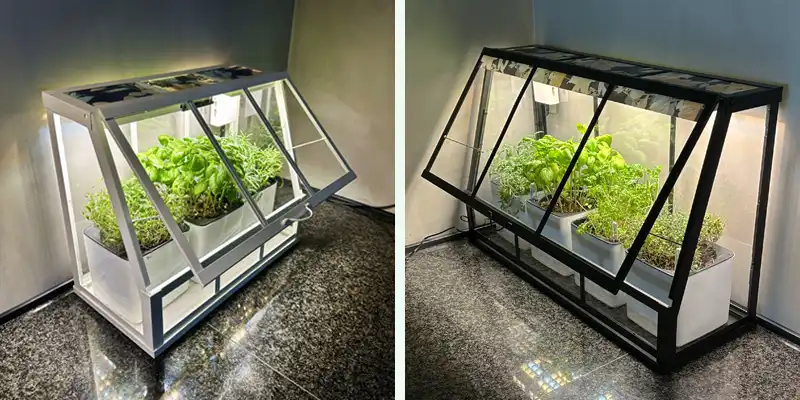



Want to grow herbs, micro tomatoes or small chilies right in your kitchen – quickly and easily?
With CultiKit and IKEA’s Åkerbär greenhouse, you get a compact, efficient setup with lighting, ventilation and smart control – no screws or special tools needed.
The quick guide takes under 5 minutes – and after that, you’re ready to grow like a pro.
1. Choose your greenhouse
Buy IKEA’s Åkerbär greenhouse – both the large (65×40 cm) and small (45×35 cm) models work.
2. What you need:
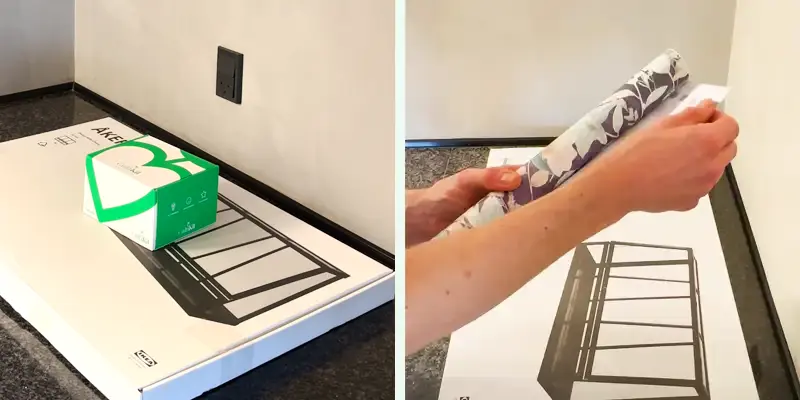
IKEA Åkerbär greenhouse.
Foil for the top glass to cover the electronics.
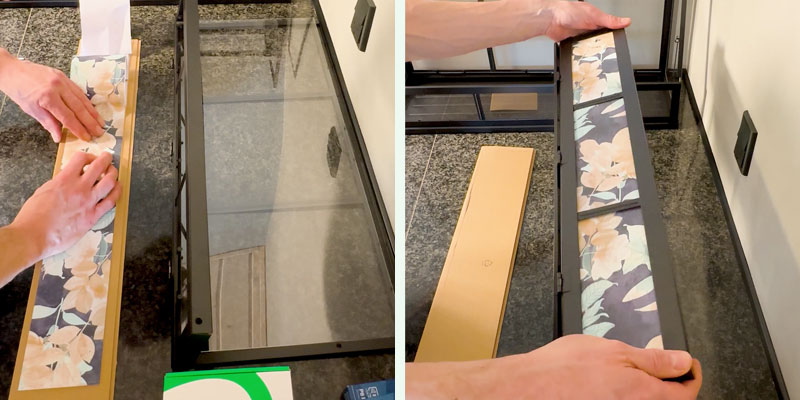
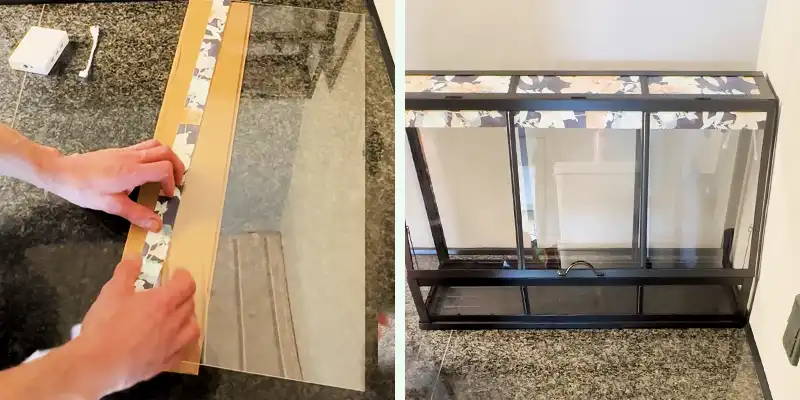
3. Apply foil to top glass
Stick foil to the top glass before assembling it.
This is to hide the electronics and lights.
4. Hide the tech (optional)
Cut a 3-4 cm strip of the foil and stick it to the top of the front panel to hide LEDs and fans.
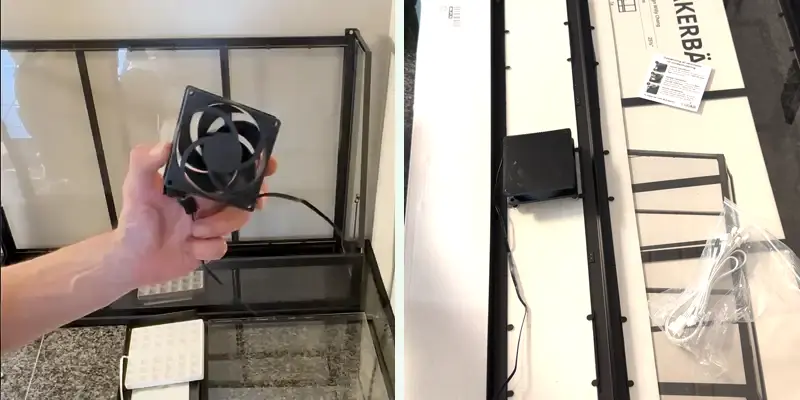
5. Mount the fan
Use the included guide, mesh filter and nano pads.
The white logo must face downwards.
Use the included PWM converter cable to connect the fan to the controller.
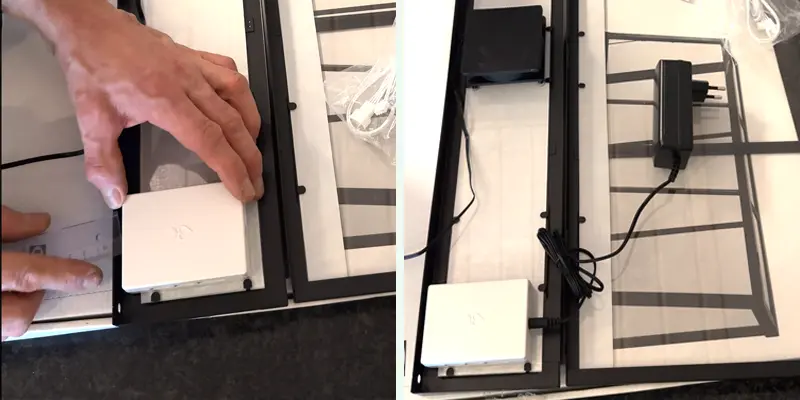
6. Install the controller
Place it in the side with your power outlet (on the small 45 cm Åkerbär, on the backside plate).
Important: There must be 5 mm to the tall side of the edge, otherwise the top cannot fit on the greenhouse!
Use the included nano pads to mount the controller.
Connect plugs.
4. Mount the LED panels
Attach mounting blocks to the back of the LED panels.
Insert wires in LED panels and attach them i the top with the plugs facing the tall side, so cables run along the back.
Important: There must be 5 mm to the tall side of the edge, otherwise the top cannot fit on the greenhouse!
Use the short cable closest to controller and the long to the furthest.
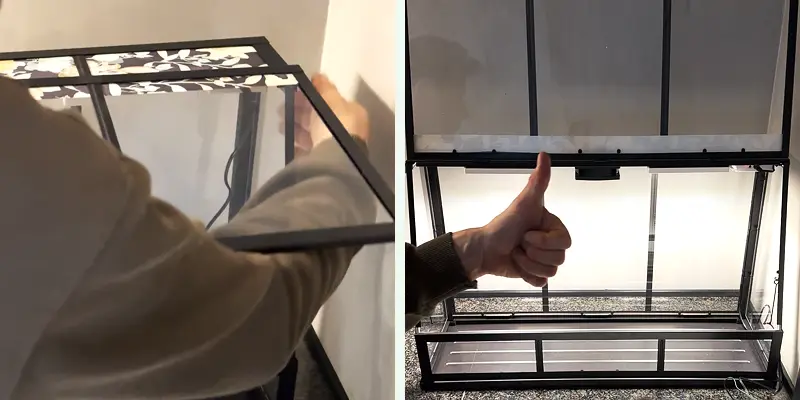
8. Mount the top and connect power
Use the included plastic plugs in the Åkerbär pack to secure the top glass.
Route the power cable under the greenhouse.
Secure the cable between the glass and frame.
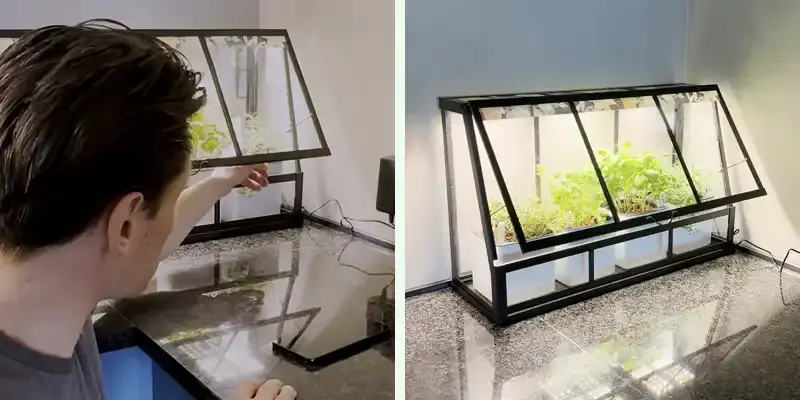
9. Power on
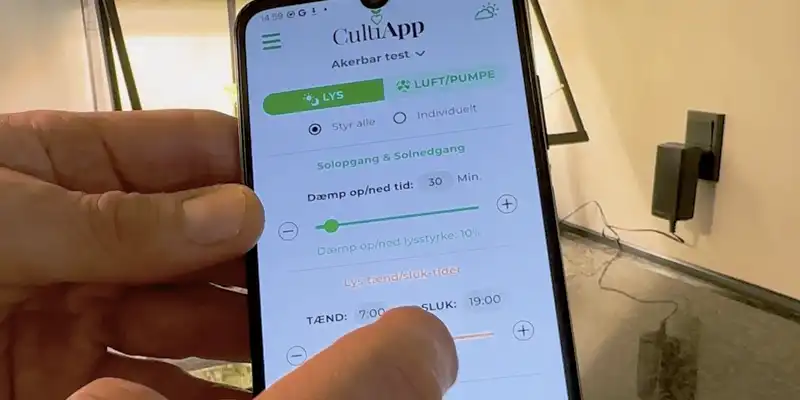
CultiKit comes pre-configured: 12-hour light cycle with 30-minute sunrise/sunset and wind simulation.
Plug it in at the time you want the light to turn on daily – or hold the button for 6 seconds to reset the timer at the time you want it to power on.
10. Explore features
Check the included Quickstart Guide for more info.
Download the CultiApp for full control and customization.
All-in-one solution with 2 grow lights for compact hacks. Perfect for small cabinets, shelves, or drawers – ideal for herbs, sprouts, and micro tomatoes.
799 Kr.
|
Uploaded
Failed
|
 |

